
Kitchen Display System (KDS): The Digital Brain of Modern Restaurant Kitchens
A Kitchen Display System organizes kitchen orders digitally with real-time updates, allergen warnings, and smart filtering. Discover how Zuvesa KDS eliminates paper tickets and reduces mistakes.
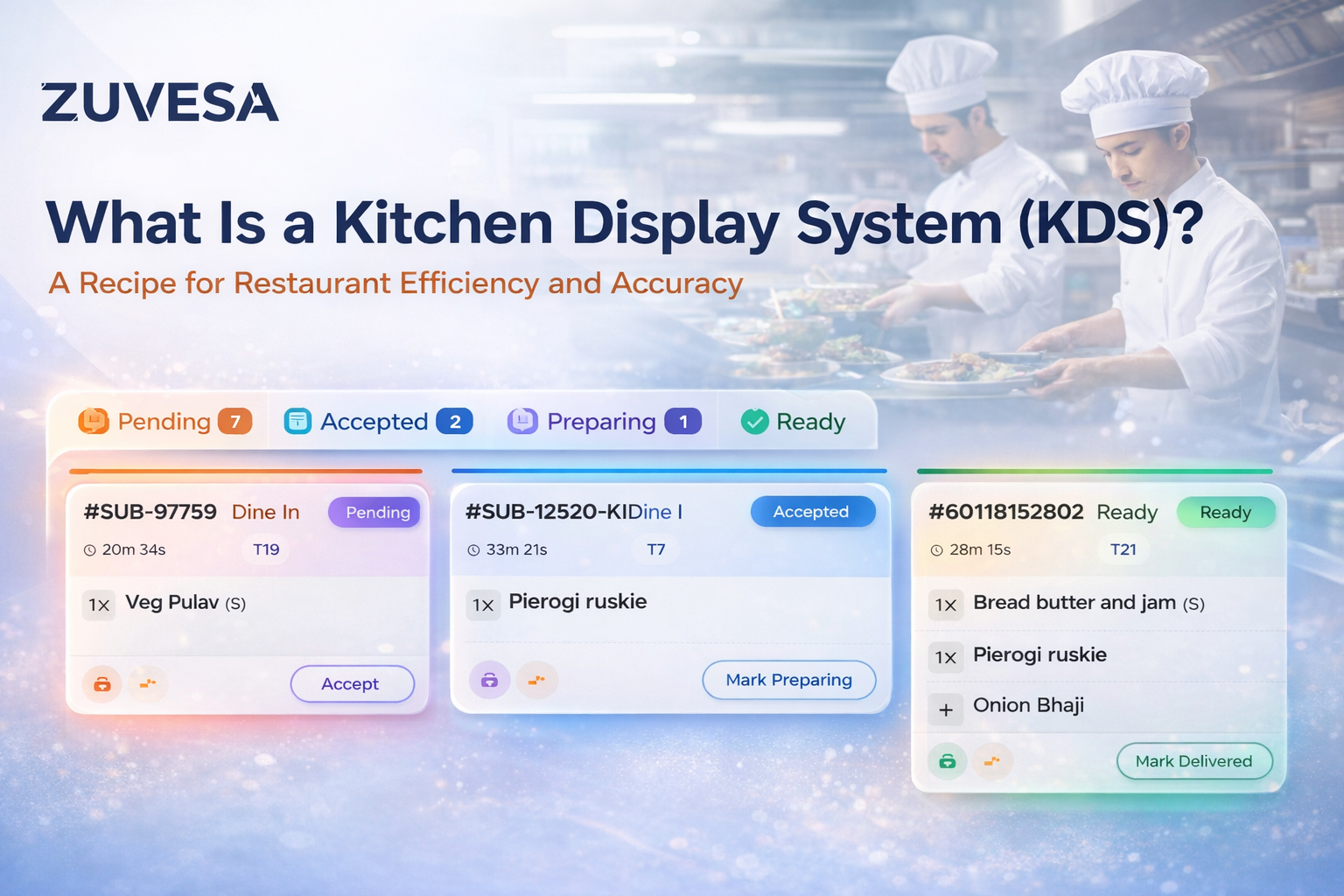
If you've ever wondered how busy restaurants manage to serve dozens of tables without losing track of a single order, the answer often lies in a piece of technology you might not even notice: the Kitchen Display System, or KDS for short.
Think of it as mission control for your kitchen, a digital command center that replaces those cluttered walls of paper tickets with sleek, organized screens that keep everything flowing smoothly.
What Exactly Is a Kitchen Display System?
Let's start with the basics. A Kitchen Display System is a digital screen (or multiple screens) installed in your kitchen that displays incoming orders in real-time. Instead of printers churning out paper tickets that get smudged, lost, or mixed up during the dinner rush, orders appear instantly on bright, easy-to-read displays.
But here's the thing, a modern KDS isn't just a fancy screen. It's an intelligent system that organizes, prioritizes, and tracks every single order from the moment it's placed until it reaches your customer's table. It's the difference between chaos and coordination during your busiest hours.
Why Should Your Restaurant Use a KDS?
Remember the last time you walked into your kitchen during peak service? The heat, the noise, the constant stream of tickets piling up on the counter—it's controlled chaos at best. Now imagine that same kitchen, but calmer, more organized, and somehow... quieter?
That's what a good KDS brings to the table. Here's why restaurants are making the switch.
Speed and Accuracy That Actually Matters
When someone orders a gluten-free pasta with no mushrooms, extra basil, and please make it mild that information needs to reach your kitchen perfectly. With paper tickets, there's handwriting to decipher, papers that get wet or greasy, and the constant "wait, is this a 6 or an 8?" moments.
A KDS displays everything clearly: quantities, sizes, special requests, allergen warnings, and cooking instructions. all color-coded and organized. No more squinting at smudged handwriting during the dinner rush.
Real-Time Updates (Because Orders Change)
Here's a scenario every restaurant knows too well: a customer changes their mind after ordering. Maybe they want to add an appetizer, or they suddenly remembered they're allergic to shellfish. With traditional paper tickets, this means running into the kitchen, finding the right ticket, voiding it, and printing a new one.
With a KDS? Updates happen instantly across all screens. The kitchen sees the change immediately, reducing mistakes and keeping everything synchronized.
Intelligence That Prevents Disasters
The best part about a modern KDS isn't what you see—it's what it does behind the scenes. It tracks cooking times, highlights orders that have been waiting too long, and even helps coordinate timing so that Table 12's appetizers don't come out at the same time as their desserts.
It's like having an experienced sous chef whose only job is to make sure nothing slips through the cracks.
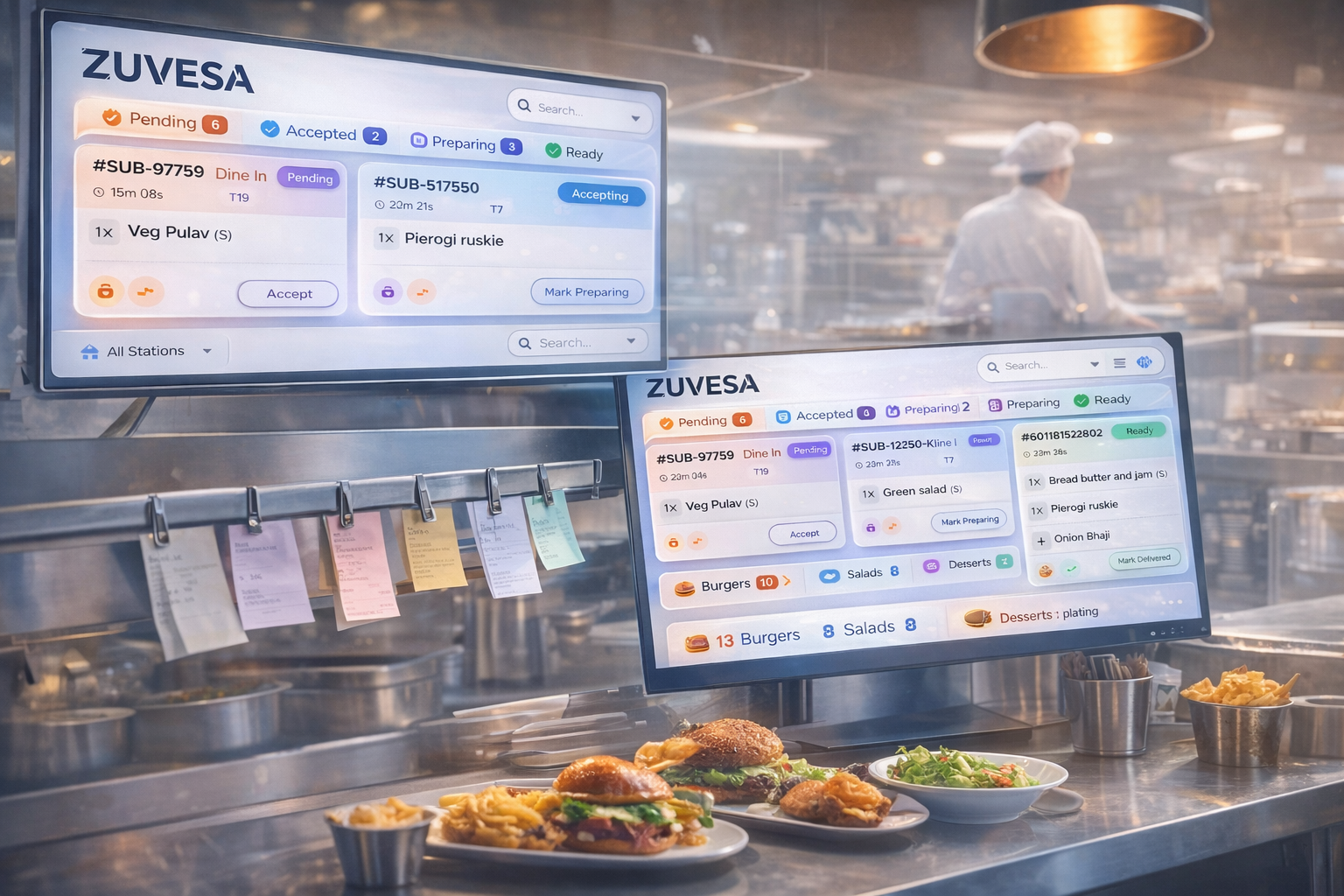
How Zuvesa's KDS Is Different (And Why It Matters)
Not all KDS systems are created equal. Here's what sets Zuvesa apart:
Truly Instant Updates
When your server hits "send," the kitchen sees it instantly. Zuvesa uses real-time technology that updates screens the moment an order is placed. And if your internet wobbles? It automatically switches to backup mode. You get speed when possible, reliability always.
Pleasant Notifications (Not Annoying Beeps)
We use three-tone chimes that actually get attention without driving your staff crazy. Toggle sound on or off per station, maybe your cold station wants alerts, but your grill doesn't. Your choice.
Smart Station Filtering
Pizzas route to the pizza oven, salads to cold prep, mains to the hot line. Each station only sees relevant orders. No mental filtering required, no wading through irrelevant tickets.
Live Category Summary
See at a glance: 12 burgers cooking, 8 salads being prepped, 5 desserts plating.
Your expo can pace orders, warn stations before bottlenecks happen. That's proactive management, not reactive firefighting.
Visual Urgency Alerts
Orders change color as they age:
- Normal orders: subtle shadows
- 20+ minutes: orange highlights
- 30+ minutes: pulsing red borders
Your team knows what needs attention, no clock-watching required.
Expandable Details
Compact view for overview. One tap expands any order to full-screen with every detail: modifications, special instructions, allergen warnings in large, clear fonts. Perfect for complex orders or training.
Intelligent Auto-Adjustments
When orders stack up during rushes, columns automatically split to show more at once. No scrolling, no hidden orders. During slow periods, it simplifies. Your screen adapts to your pace.
The Practical Stuff
One-tap status changes:
Pending → Accepted → Preparing → Ready → Delivered
Smart completions: Prepaid takeout/delivery orders skip straight to "Completed" when ready (because "ready" means done for prepaid orders)
Kitchen receipts on demand: Print when you need paper backup
Fullscreen mode: Press F11, use every pixel. Designed for gloved hands.
Real-time filters: Status, order type, station, search—all instant
Safety first: Allergens in bold red boxes, spicy levels with fire icons 🔥, special instructions in blue highlights
What Changes When You Switch
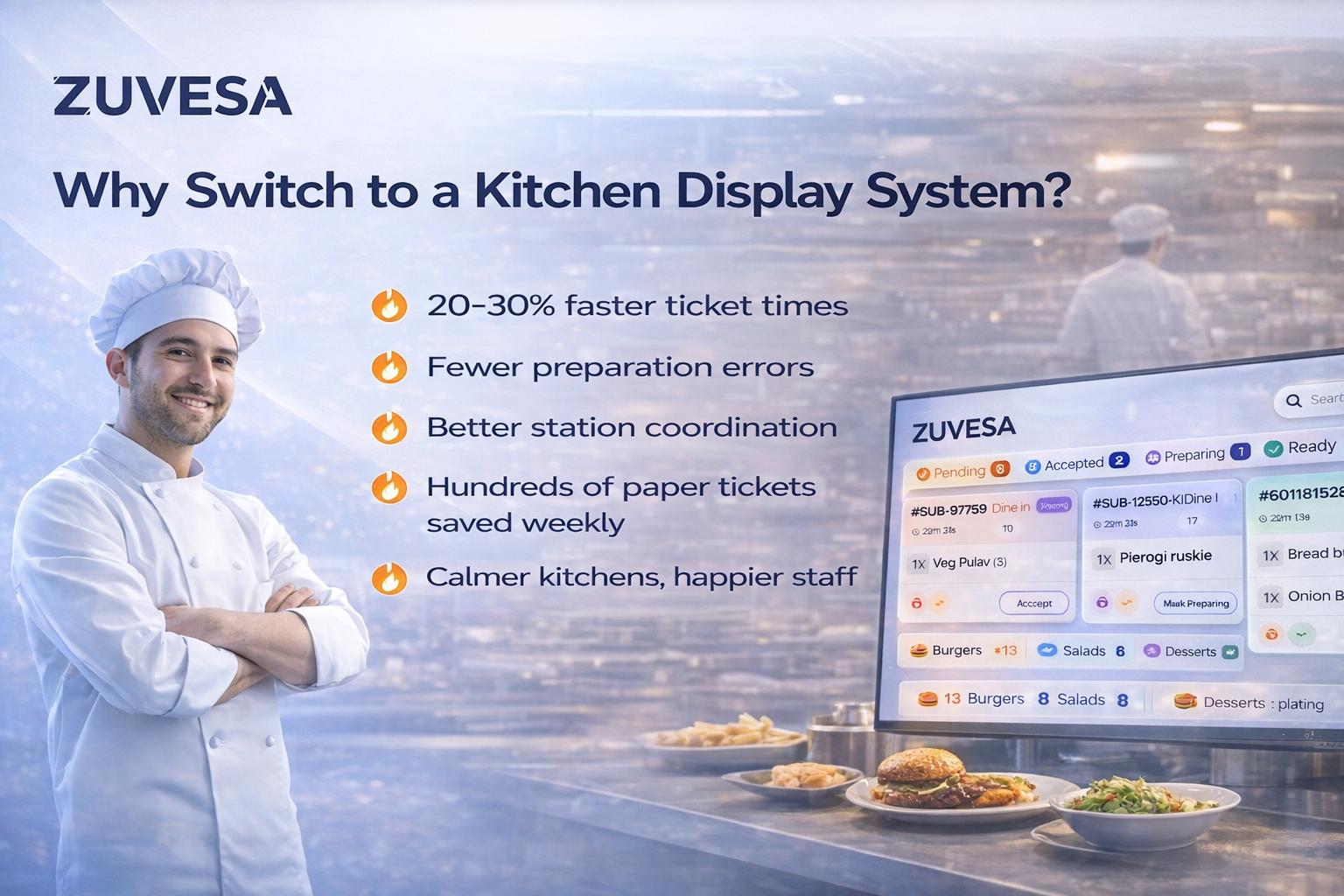
Restaurants report: 20-30% faster ticket times.
Fewer preparation errors.
Better station coordination, Hundreds of paper tickets saved weekly.
Calmer, less-stressed kitchen teams
Who Benefits Most from a KDS?
While any restaurant can benefit from a KDS, you'll see the most dramatic improvements if you:
- Serve 50+ covers per service
- Have multiple cooking stations (grill, cold, fryer, etc.)
- Offer complex menu items with lots of customization
- Deal with delivery and takeout alongside dine-in
- Experience peak rush periods where timing matters
- Want to track kitchen performance and identify bottlenecks
The Bottom Line:
A Kitchen Display System isn't just about replacing paper with screens. It's about bringing intelligence, coordination, and clarity to the most chaotic part of your restaurant.
Zuvesa's KDS takes this further by adding real-time updates, intelligent station filtering, automatic column splitting, visual urgency indicators, and dozens of small thoughtful features that add up to a dramatically better experience for your kitchen staff.
The result? Faster service, fewer mistakes, happier staff, and ultimately, more satisfied customers who wonder why their food always arrives perfectly timed and exactly as they ordered it.
Because at the end of the day, that's what great restaurant technology should do—make itself invisible while making everything work better.
Getting Started with Zuvesa KDS
Ready to modernize your kitchen? Zuvesa KDS is included with all Zuvesa Restaurant POS subscriptions. No extra fees, no additional hardware required. Just clearer communication, better coordination, and happier kitchens.
If you're using Zuvesa POS for your front of house, adding KDS is as simple as:
1. Opening a dedicated browser on your kitchen screen
2. Logging into your Zuvesa account
3. Navigating to the KDS view
4. Setting your prep area filter (if you have multiple stations)
Perfect For
Restaurants serving 50+ covers per service, managing multiple stations, offering complex customizations, or handling delivery alongside dine-in. If timing matters during your rush, you need this.
Questions about implementing KDS in your restaurant? Contact our team for a personalized demo and see how it adapts to your specific kitchen workflow.